






One Contract, Several Products
Multiple contract lines now available to all Moo Software Users
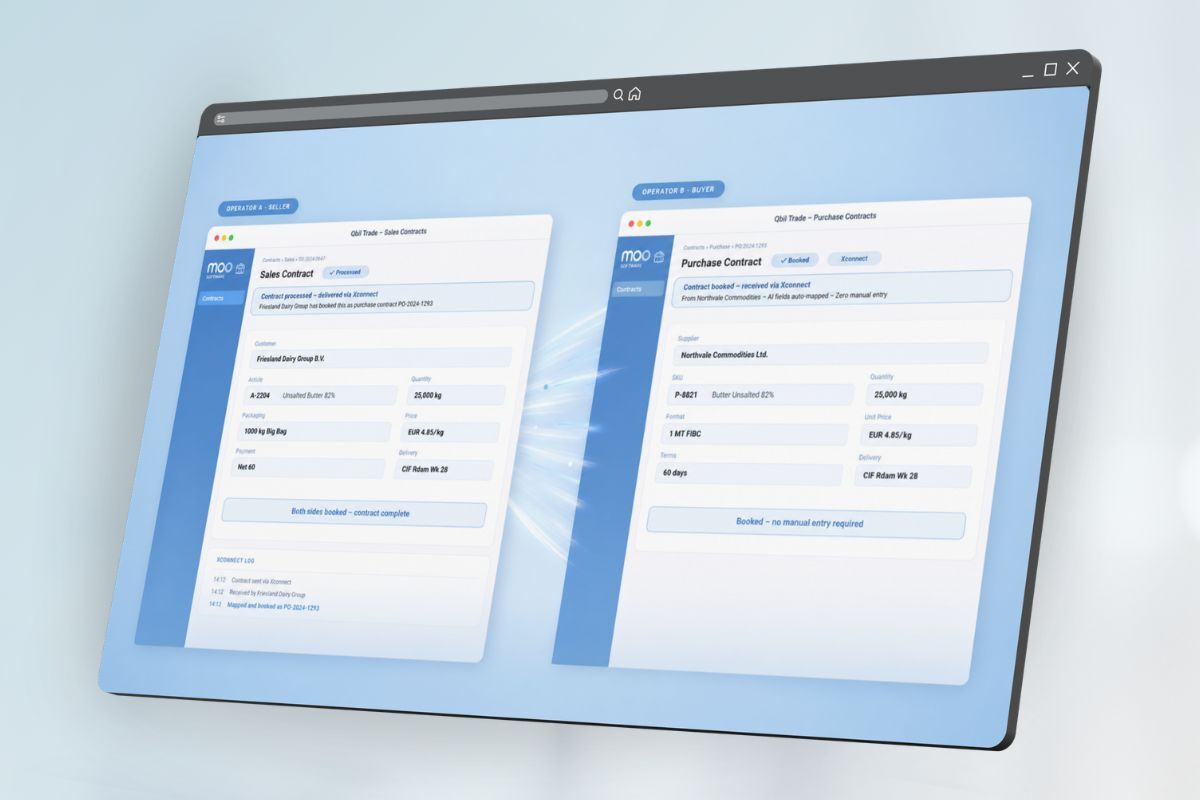
Trading skimmed milk powder and butter with the same customer? You can now record both on one contract. With the latest Moo Software release, every user can add multiple lines to a contract or offer, without a separate configuration setting.
What you’ll notice
- Your Purchase Contracts and Sales Contracts overviews now open in the combined view. If you prefer the Per Product view, switch with the toggle at the top of the screen. Your saved columns and filters for that view are still in place.
Check your contract layout
- The printed contract does not change automatically. If your current layout only shows the first contract line, contact support. We’ll plan the layout update with you.
AI summaries with more detail
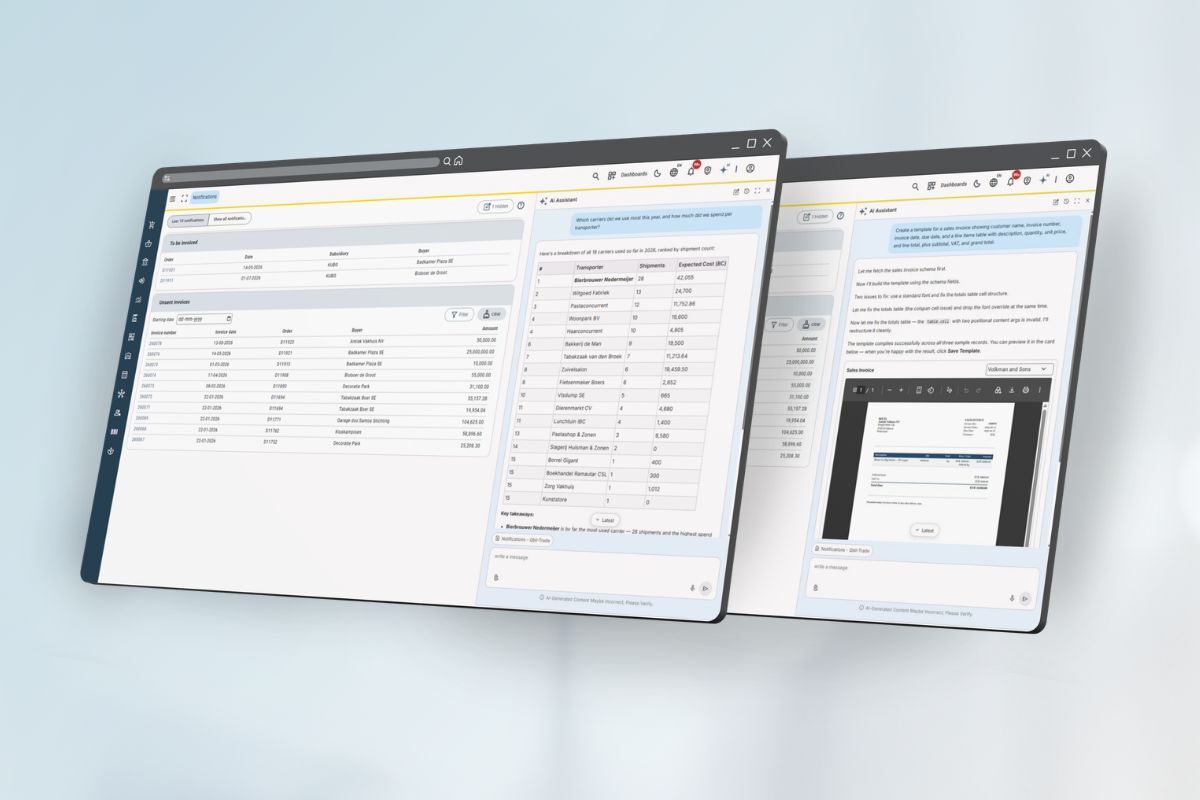
The AI summary of an order now shows both purchase and sales prices per line, each with its own total and currency. For contracts and sales invoices, the summary uses the data in Moo Software itself instead of the printed document. Every summary states what it did not include, such as order lines, attachments, or emails, and shows amounts both excluding and including VAT.
Talk to the AI Hub
Have a question for Support? Click the microphone in the AI Hub sidebar and say it out loud, in Engels for now. Dutch and German will follow asap.
The AI Hub reads the answer back to you, and you can cut in with a follow-up question at any time. Handy if you’re wearing a headset or working from home.
Would you like more information about this?
Gebruikers van Moo Software kunnen meer informatie en handleidingen vinden in de kennisbank van Moo Software.