Just Ask Moo
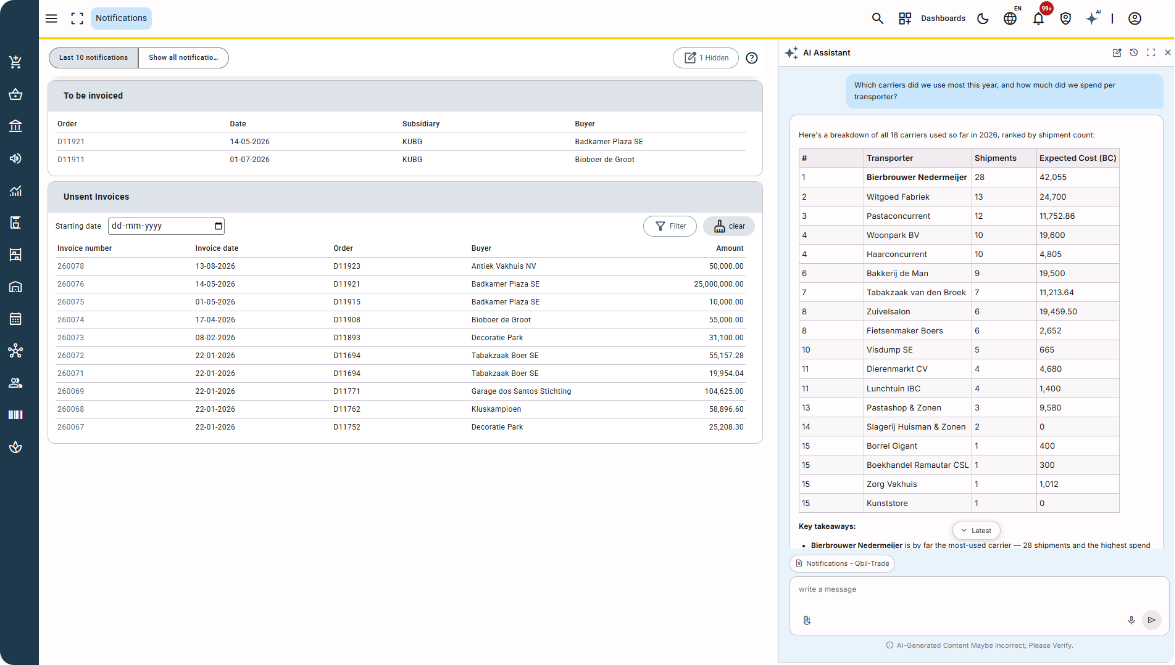
Meet the improved AI Assistant
Finding the information you need shouldn’t mean searching through screen after screen.
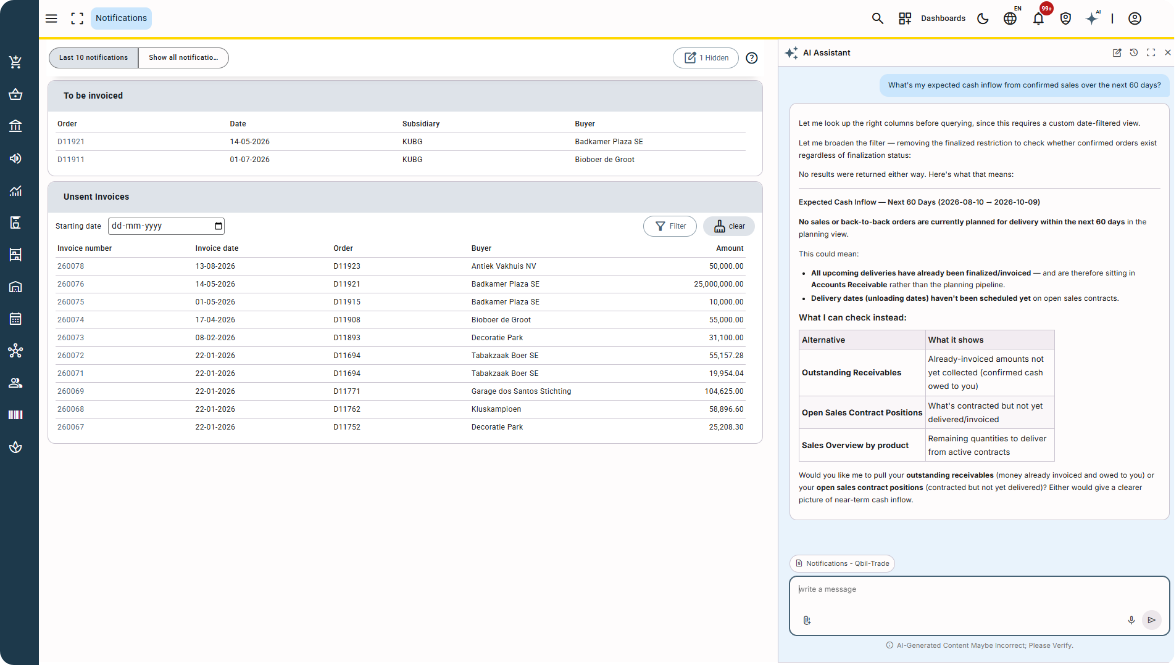
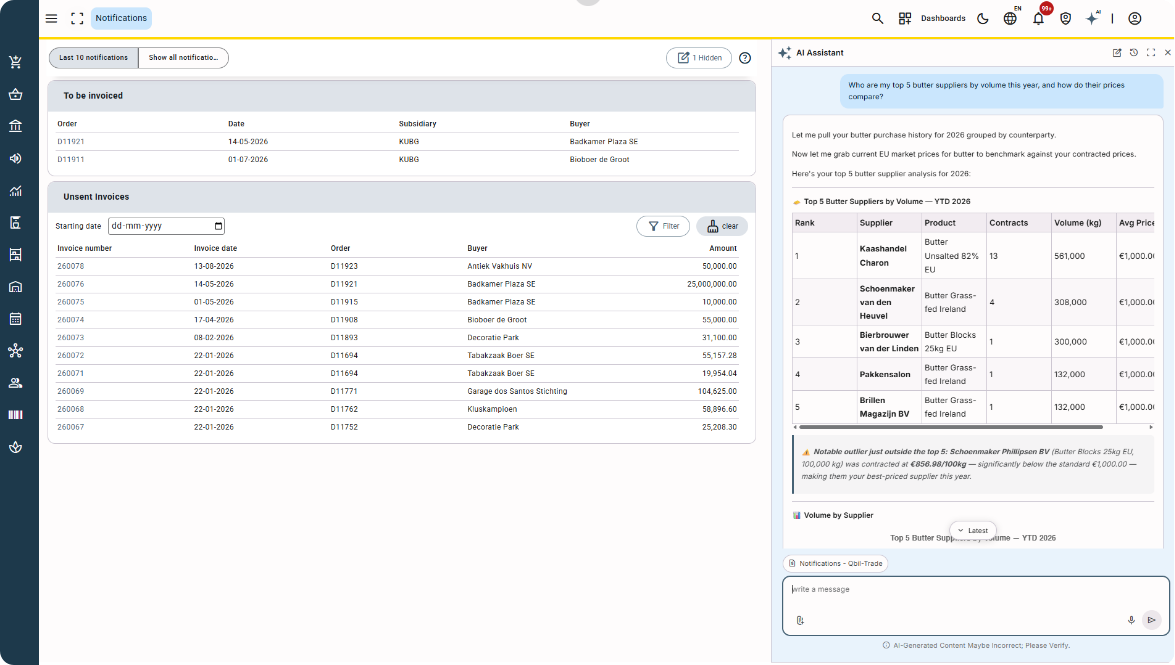
With the improved AI Assistant in Moo, you can simply ask your question in your own words.
Behind the scenes, Moo now uses different specialized AI agents to help find the right answer. You don’t need to know which one you need — Moo takes care of that for you.
One question, the right specialist
Different questions require different expertise.
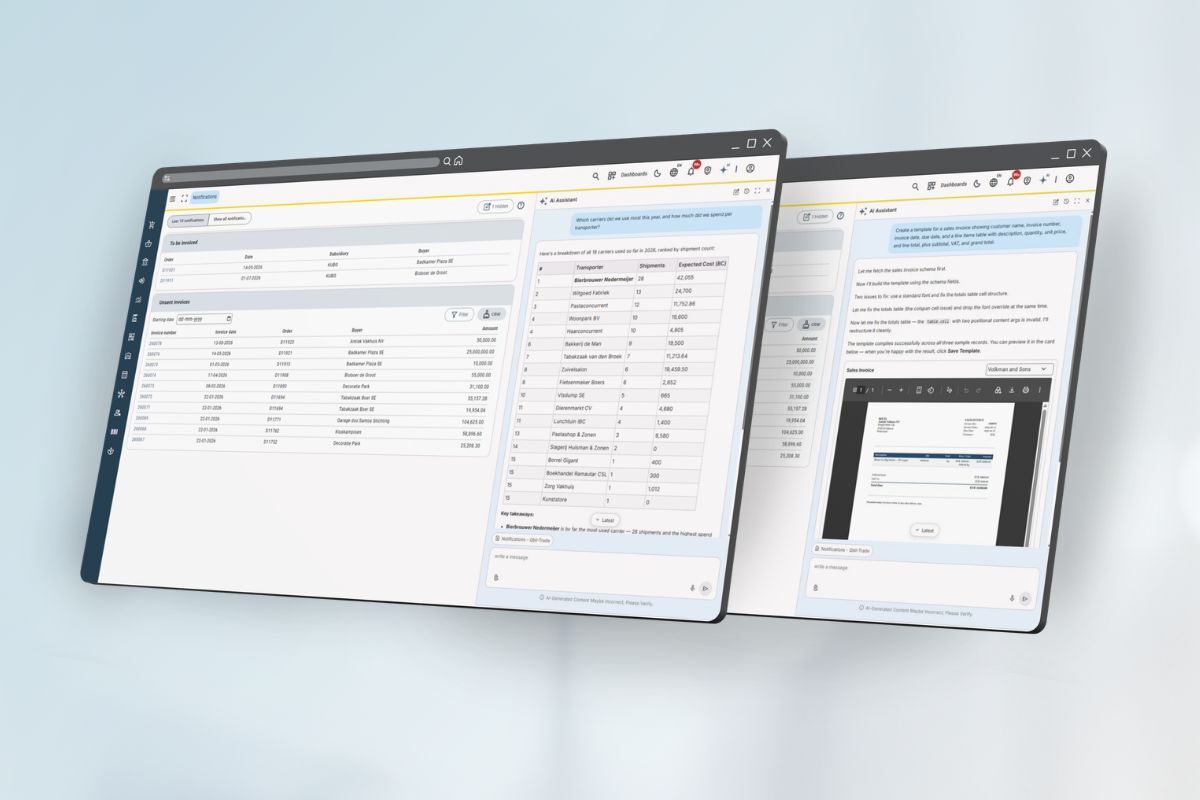
The AI Assistant can automatically route questions to specialists in areas including Trading, Finance and Logistics.
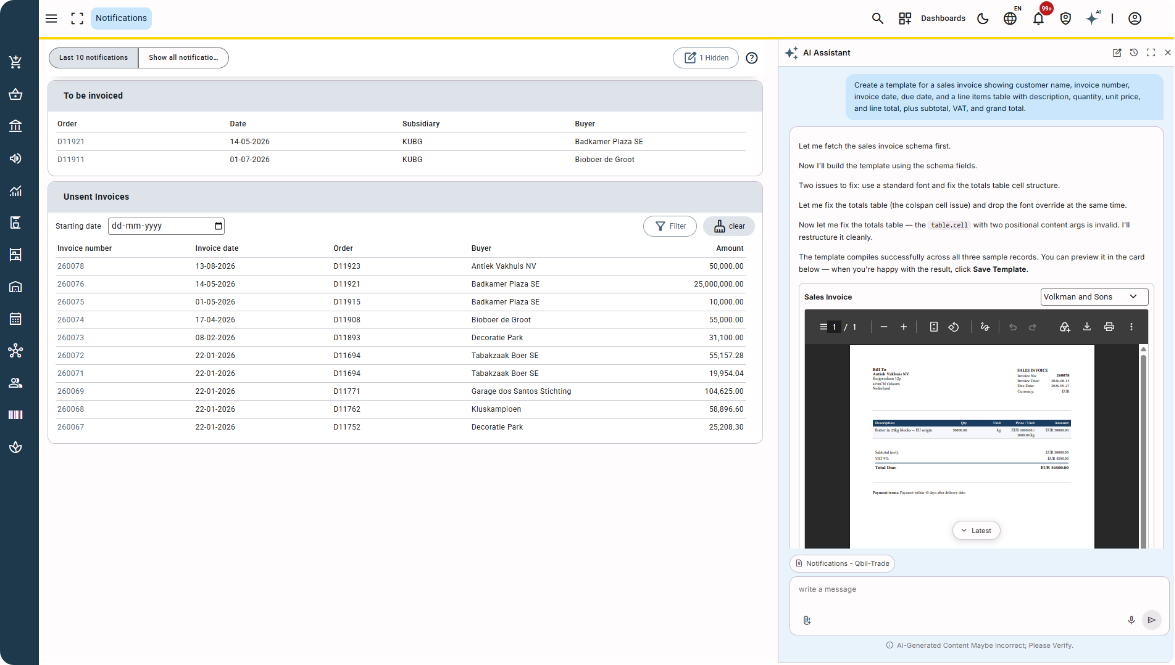
There are also specialized agents for Template Generation en Ondersteuning.
Whether you’re looking for information about Contracts, invoices, inventory, cash flow or a support question, you continue to use the same Assistant.
Just ask.
A more natural conversation
The Assistant remembers the context within your conversation.
Ask a follow-up question and you don’t have to start from the beginning or repeat the details you’ve already discussed.
You can also attach a PDF, JPG, XLSX or CSV file of up to 10 MB. Moo can use the information in that document when answering your question.
Your data. Your permissions.
The AI Assistant follows your existing permissions in Moo.
It only uses information you’re already authorized to access. And where a task requires additional control, AI can prepare information for you to review rather than simply acting on its own.
Call Off Orders at a glance
The intelligent AI summary already available for Contracts is now also available for Call Off Orders.
Open a Call Off Order and Moo brings together the order lines, linked attachments and key information in a clear set of cards.
No need to go through every tab to find the details you need. The summary gives you a quick overview and automatically follows your interface language.
Less searching, less clicking and faster access to the information you need.
You don’t have to think about the AI behind it. Just ask Moo.
Would you like more information about this? Please contact us ».
Moo Software users can find more information and manuals in the Moo Software knowledge base.