Home » How does trading software create a better audit trail than Excel?
How does trading software create a better audit trail than Excel?
Chris
Knowledge, News
An audit trail shows who did what, when and why: who changed a price, who approved a contract, which documents belong to a delivery. In Excel, a cell can be changed without leaving a trace. Trading software records changes per contract and order, links documents to the transactions they belong to, and can require approval before a contract is final.
Why it matters
Disputes with customers or suppliers. You can show what was agreed and when it changed.
Accountants and auditors. They want to trace an invoice back to the contract and delivery.
Internal control. Large contracts or price changes can require a second check.
Certification and quality. Certificates and specifications per lot can be found when asked for.
What Excel does not record
Who changed a cell and what the previous value was
Whether a file is the latest version
Which documents belong to which delivery
Whether a contract was checked before it was confirmed
What trading software records
Changes per contract and order: what changed, by whom and when.
Approvals: contracts that need approval before they are final, with notifications to the approver.
Documents on the transaction: certificates, specifications and correspondence attached to the contract, order, lot or relation.
The chain from contract to invoice: every invoice can be traced to its delivery and contract.
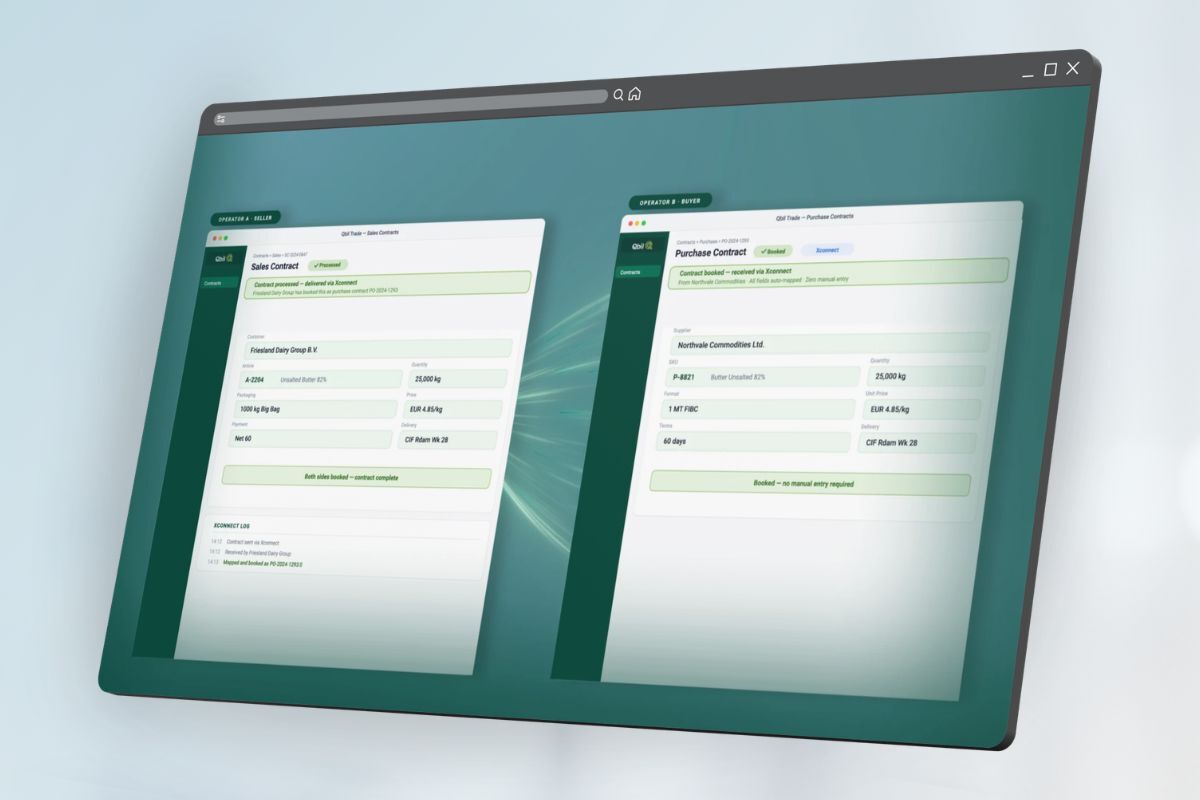
In Moo, changes to contracts and orders are recorded, contracts can require approval with notifications, and attachments can be added to contracts, orders, lots and relations. User permissions are set per role. Invoices are linked to deliveries and contracts.
See it with your own data
Want to see how a contract can be traced from approval to invoice in Moo? Book a demo or contact us.
Want to know more?
If you’d like more details or have any questions about this news item, don’t hesitate to get in touch.