New in Moo: Partial Payments
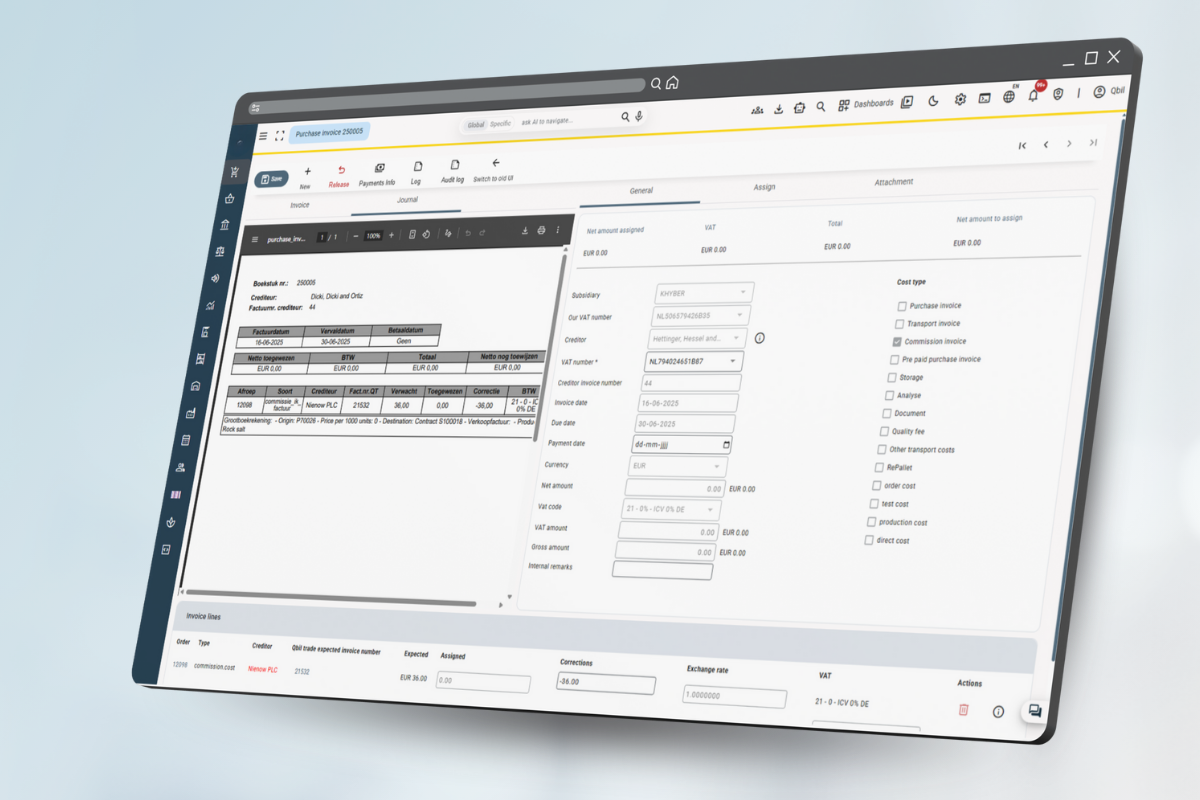
Invoices are often not paid all at once. The new Partial Pay ments functionality allows you to easily keep track of multiple payments on one invoice. This gives you more control and insight into both outgoing and incoming payments.
What can you do with it?
Instead of just “paid” or “unpaid,” you can now see exactly which amounts have already been paid and which are still outstanding. This provides a complete payment history of both sales and purchase invoices.
Key capabilities:
Payment Overview
- View all payments per invoice
- Compare amounts received to the invoice total
- Detailed payment history with transaction references
- Instant view of outstanding balances
Smart Processing
- Automatic balance calculation
- Link with accounting to see if everything is correct
- Always current payment status
- Currency conversion support for international payments
Want to know more? Search the Knowledge Base for Partial Payments or contact Moo Support for more information.
Do you have any suggestions? We’d love to hear them at support@moosoftware.com