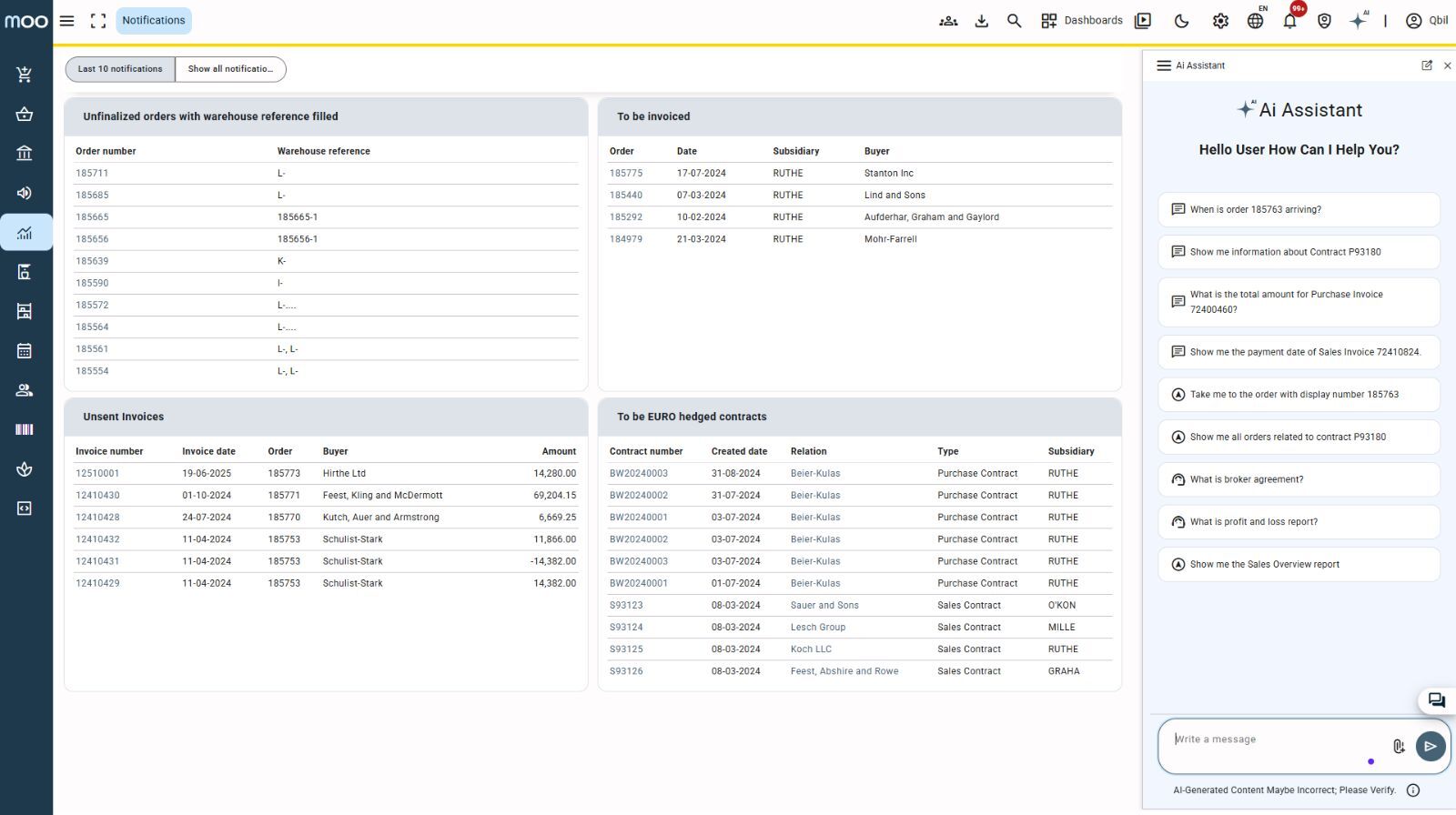
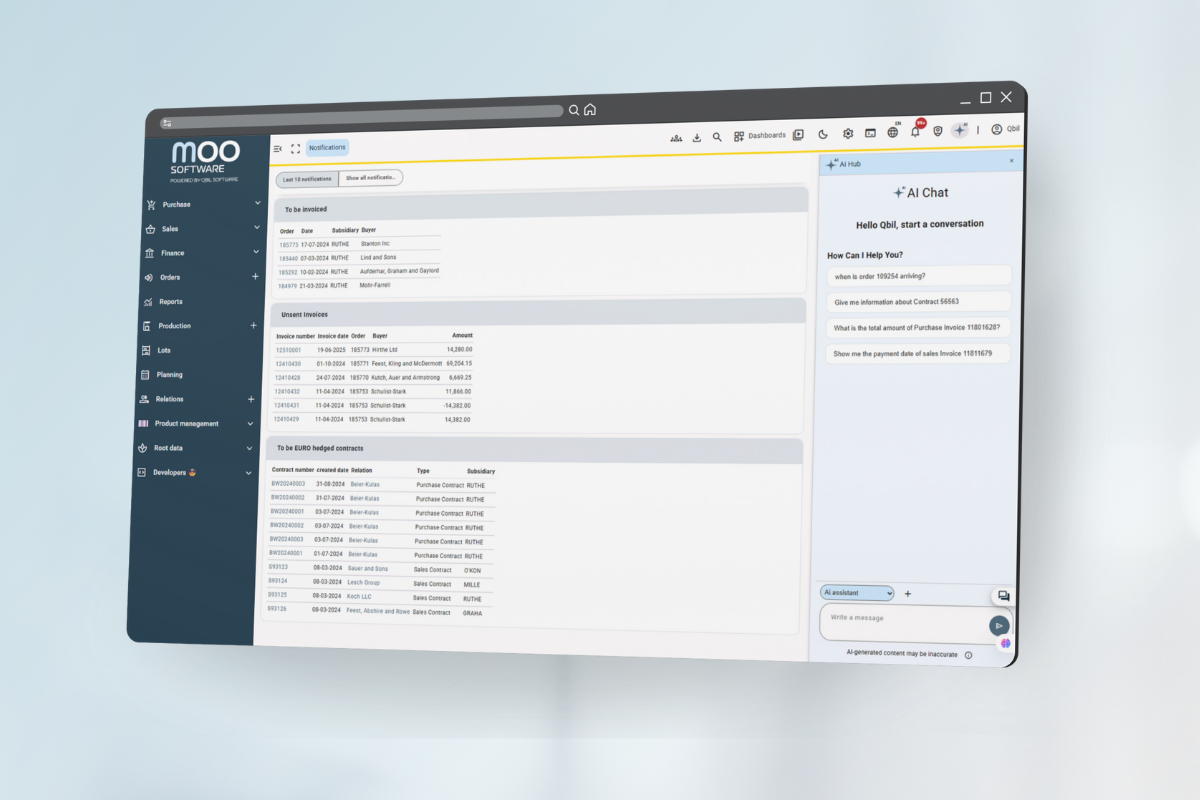
The AI Hub is now live in Moo Software! You can find the button as a star icon with small “AI” next to it in the main menu.
Click the button and the AI Sidebar appears. You can easily expand it (to the left, wider) or collapse it (to the right, narrower) – that way you decide how much space the sidebar takes up. See also the video below this post.
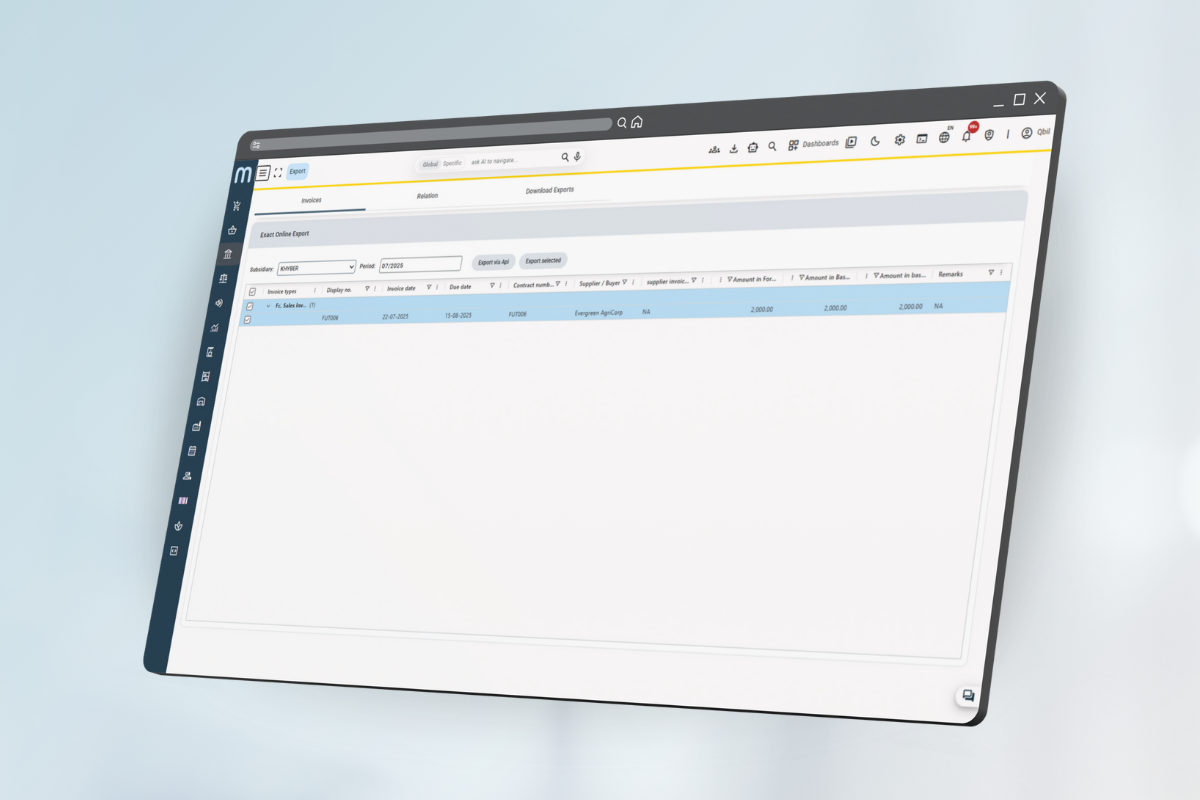
The AI Sidebar automatically displays the relevant AI functions depending on the screen you are working in. This keeps everything clear and you always have the right support, right at the right time.
With the AI Hub, you now have all AI functions at your fingertips – faster, smarter and exactly where you need them.