For most dairy trading companies, trading software works meaningfully better than Excel once your operation involves more than a handful of contracts, multiple team members, or any real-time coordination between sales, logistics, and finance. Excel is a flexible tool, but it was built for calculations, not for trade management. The gap becomes visible the moment your business depends on data being current, connected, and trusted by everyone who uses it. Below, we answer the most common questions traders ask when comparing the two.
Where does Excel start failing in dairy trading?
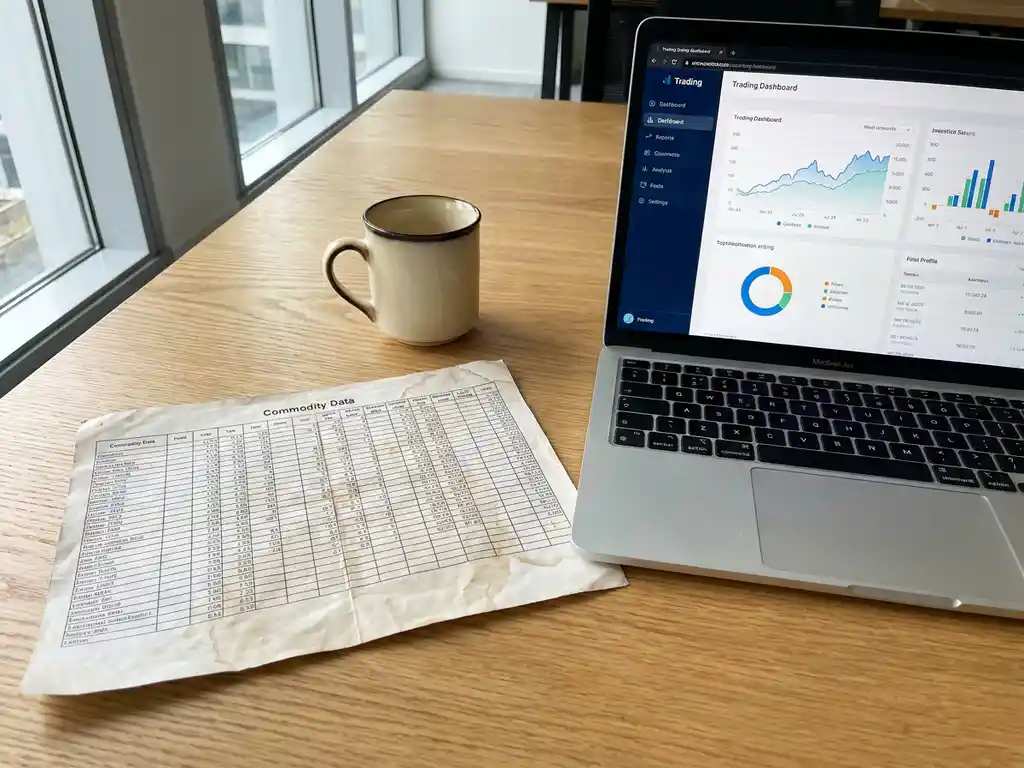
Excel starts failing in dairy trading when your data needs to be live, shared, and acted on simultaneously by multiple people. A spreadsheet is static by design: it reflects what someone entered at a specific moment, not what is actually happening right now. In dairy trading, where contract positions shift daily and logistics require constant coordination, that gap between recorded reality and actual reality creates real operational risk.
The failure rarely announces itself loudly. It tends to creep in. One team member updates a contract tab while another is already building a shipment plan based on the old version. A copied formula carries an error forward for weeks before anyone catches it. A key person goes on leave, and nobody else fully understands which file is the current one. These are not edge cases. They are the predictable consequences of using a static tool for a dynamic operation.
Some of the most common breaking points dairy traders describe include:
- Multiple versions of the same file circulating via email with no clear master
- Position overviews that are only accurate as of the last manual update
- No automatic link between a contract, its related orders, and the corresponding invoice
- Reliance on one person who “knows the system” and holds institutional knowledge in their head
- Delayed decisions because the data needed is in a file someone else has open
The underlying issue is that dairy trading is real-time and multi-person by nature. Spreadsheets are neither.
What can trading software do that Excel cannot?
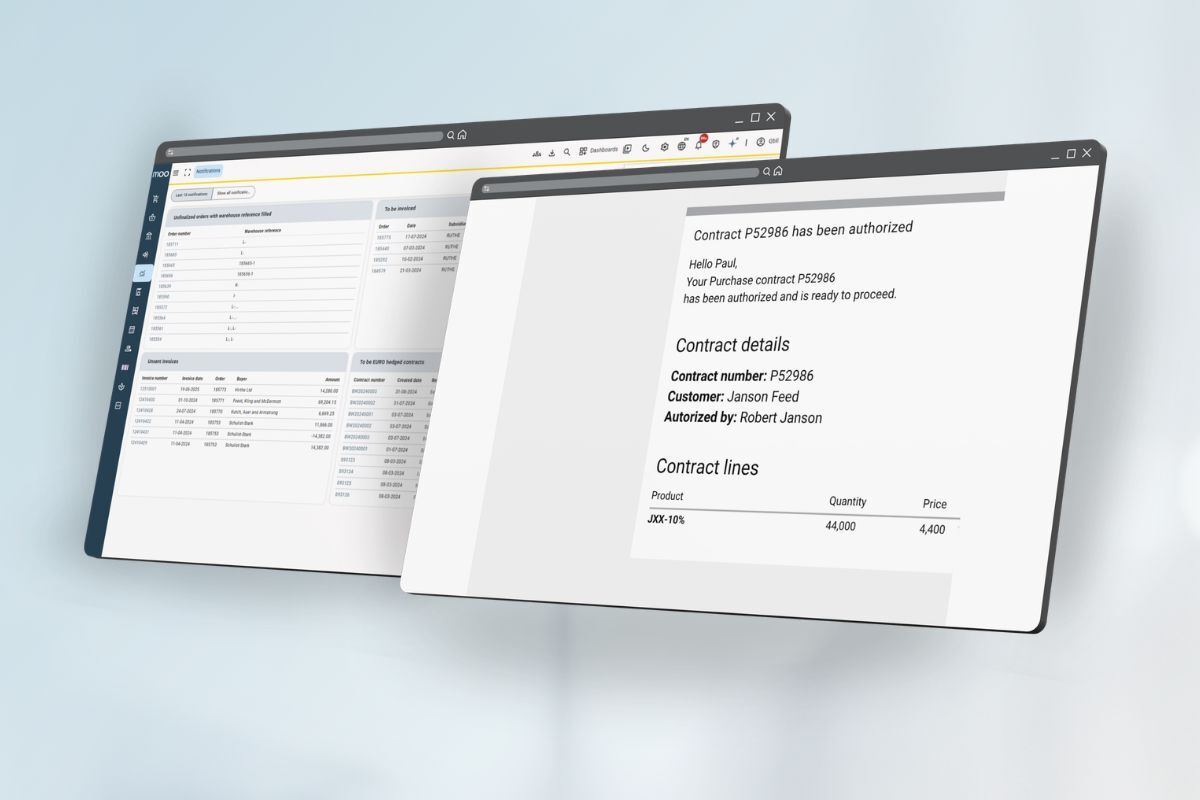
Trading software built for dairy and ingredient trading can connect contracts, orders, inventory, logistics, and invoicing in a single live system, so every team member always works from the same current data. Unlike Excel, it enforces structured workflows, automates repetitive steps, and gives you a real-time position overview without anyone needing to manually compile or update it.
The practical differences go beyond convenience:
Real-time position management
In a dedicated trading system, your open positions update automatically as contracts are entered and orders are processed. You can see at any moment what you have bought, what you have sold, what is in transit, and what is still open. In Excel, this requires someone to manually reconcile multiple tabs, which means the overview is always slightly behind reality.
Connected workflows across departments
When a contract is entered in trading software, it flows through to order management, logistics planning, and finance without anyone copying data between files. This eliminates the most common source of errors in dairy trading operations: manual data re-entry. Invoicing can be triggered directly from confirmed deliveries, and your accounting system receives the right figures automatically.
For teams working across time zones or languages, a cloud-based system also means everyone accesses the same environment regardless of location, which is something no shared spreadsheet can reliably replicate.
Is Excel good enough for small dairy trading companies?
Excel can be sufficient for a very small dairy trading operation handling a limited number of contracts, with one or two people managing everything. But “sufficient” is not the same as “working well,” and most small trading companies reach the limits of their spreadsheet setup faster than they expect, often without recognizing that the tool is the problem rather than their process.
The honest answer depends on what “small” means in practice. A company with two employees managing ten contracts per month in a single market may function adequately in Excel for some time. A company with five employees, multiple suppliers, international shipments, and a growing customer base is almost certainly already experiencing friction that Excel cannot solve, even if that friction has not yet caused a visible crisis.
The more relevant question is not whether Excel is technically capable, but whether it is costing you time, accuracy, or confidence in your data. If your team spends meaningful time each week reconciling files, chasing updates, or double-checking figures before sending them to a customer, that cost is real, even if it has never appeared on a budget line.
Purpose-built software per il commercio di latticini is no longer reserved for large enterprises. Flexible pricing structures mean smaller companies can access the same connected workflows without committing to a complex or expensive implementation.
How does trading software handle contracts and orders differently?
Trading software treats a contract as a live object that connects directly to every related order, delivery, and invoice throughout its lifecycle. When you enter a contract, the system links it to your position, tracks fulfilment in real time, and flags discrepancies automatically. In Excel, a contract is a row in a table that has no awareness of what happens next.
This structural difference matters most when things change, which in dairy trading is constant. Prices get renegotiated. Delivery windows shift. Quantities are adjusted. In a spreadsheet, each of these changes requires manual updates across multiple files, and there is no guarantee that every linked document reflects the latest version. In a trading system, a change to a contract cascades correctly through to the documents and positions that depend on it.
Order management works similarly. Rather than tracking orders in a separate tab or file, trading software connects each order to its originating contract, its logistics status, and its financial outcome. This means you can answer questions like “what is still undelivered against this contract?” or “which invoices are outstanding for this customer?” in seconds, rather than spending time cross-referencing files.
What does switching from Excel to trading software actually involve?
Switching from Excel to trading software typically involves migrating your active contracts and open positions into the new system, configuring it to match your trading structure, and connecting it to your existing accounting software. For most dairy trading companies, this process is significantly faster and less disruptive than people expect.
The practical steps generally look like this:
- Map your current setup: Identify what data lives where in your spreadsheets and what your core workflows are (contract entry, order management, invoicing, position tracking)
- Configure the system: Set up your counterparties, products, currencies, and any accounting integrations before going live
- Migrate active data: Transfer open contracts and current positions so you start with an accurate baseline
- Train your team: Because the system reflects how trading actually works, the learning curve is usually shorter than expected for people already familiar with the process
- Go live: Run your daily operations in the new system while your historical data remains accessible for reference
We set up new environments within two days, which means you are not looking at a months-long implementation project. The onboarding process is designed around the realities of a trading business, not a generic enterprise rollout.
The biggest practical concern most traders raise is losing the flexibility they associate with Excel. In practice, a well-designed trading system gives you more flexibility where it matters, in how you view your position, how you filter your contracts, and how you report to management, while removing the fragility that comes with free-form spreadsheet management. If you want to understand what the transition would look like for your specific setup, we are happy to walk through it with you.
Domande Frequenti
How do I know if my dairy trading business is ready to switch from Excel to dedicated software?
A few clear signals indicate you have outgrown Excel: your team regularly spends time reconciling conflicting file versions, you hesitate before sending data to customers because you are not fully confident it is current, or a single person's absence creates operational uncertainty. If any of these sound familiar, the cost of staying on Excel is already higher than the cost of switching. You do not need to be a large operation to justify the move — you just need to be at a point where data reliability and team coordination are limiting your growth or confidence.
Can trading software integrate with the accounting tools we already use?
Yes — most purpose-built dairy trading platforms are designed to connect with common accounting systems so that confirmed deliveries and invoices flow through automatically without manual re-entry. The specific integrations available will depend on the software you choose, so it is worth confirming compatibility with your existing tools during the evaluation process. A well-configured integration eliminates one of the most error-prone steps in any trading operation: copying financial data between disconnected systems.
What happens to our historical Excel data when we migrate to a trading system?
Your historical spreadsheet data does not need to be discarded or fully migrated. Most implementations focus on transferring your active contracts and open positions into the new system so you have an accurate working baseline from day one. Your historical files remain accessible for reference, audit, or reporting purposes. Over time, as your new system accumulates its own history, you will rely on the spreadsheets less and less — but there is no pressure to abandon them entirely during the transition.
Is there a risk that trading software is too rigid compared to the flexibility we have in Excel?
This is one of the most common concerns traders raise, and it is worth addressing directly. A well-designed trading system should give you more meaningful flexibility — in how you view your position, filter contracts, and generate reports — while removing the fragility that comes with unstructured spreadsheet management. The rigidity you gain is actually structural integrity: the system ensures data is connected and consistent, which is not a limitation but a safeguard. If a particular workflow feels constrained, that is worth raising with your software provider before going live.
How long does it typically take for a team to get comfortable using dairy trading software?
For most trading teams, the learning curve is shorter than expected because a purpose-built system mirrors how trading actually works — contracts, orders, deliveries, and invoices follow a logical sequence that experienced traders already understand intuitively. Basic day-to-day operations can typically be handled confidently within the first week. More advanced features, such as position reporting or custom views, tend to be picked up naturally as the team uses the system in practice.
What if our trading operation has unique products or contract structures — can the software handle that?
Most dairy and ingredient trading platforms are built to accommodate the variety that comes with commodity trading, including different product types, pricing mechanisms, delivery terms, and currencies. Before committing to any system, it is worth walking through your most complex or unusual contract structures with the provider to confirm they are supported. A good implementation process should include a configuration phase where your specific products, counterparties, and workflows are set up before you go live.
How do we evaluate different trading software options without wasting weeks on demos and sales calls?
Start by listing the three to five specific problems you most want to solve — whether that is real-time position visibility, reducing manual re-entry, or improving invoicing accuracy — and use those as your evaluation criteria rather than comparing feature lists. Ask each provider to show you exactly how their system handles your most common daily workflows, not a polished generic demo. A provider that is willing to walk through your specific setup early in the conversation is usually a stronger indicator of a good fit than one that leads with a broad feature overview.